Account · Appointments & Reviews
Two personal-activity tabs that keep your upcoming meetings and your reputation in one place. Appointments shows meetings and bookings that have been scheduled with you, and Reviews shows feedback left by people who have worked with you — which you can reply to. This guide covers what each is, where to find them, and exactly how to use them.
Where it is
Open your Profile menu at the top-right of any page, or go straight to /profile, then select the Appointments or Reviews tab from the row of tabs along the top of the page.
Appointments
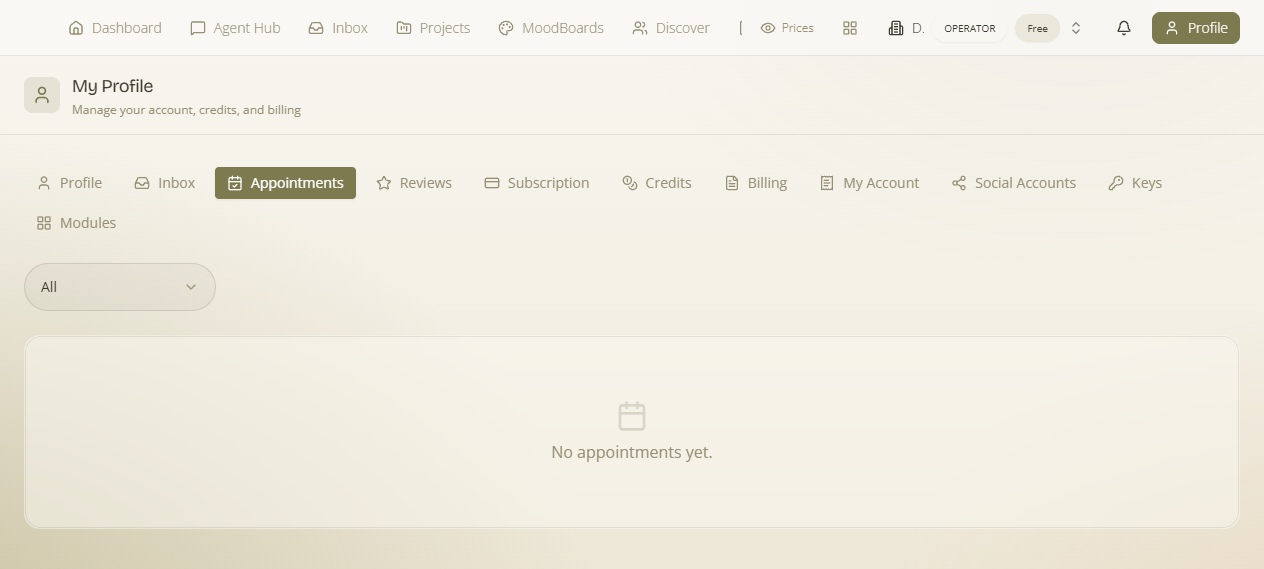
What it is — meetings and bookings that have been scheduled with you. Why it matters — it keeps track of what's coming up so nothing slips through the cracks.
What's on the screen
- Scheduled meetings and bookings — the meetings and bookings that have been scheduled with you.
- Filter by status — narrow the list (for example "all") to focus on what you want to see.
What it affects: appointment scheduling ties back to the Appointment Availability you set on your profile.
Reviews
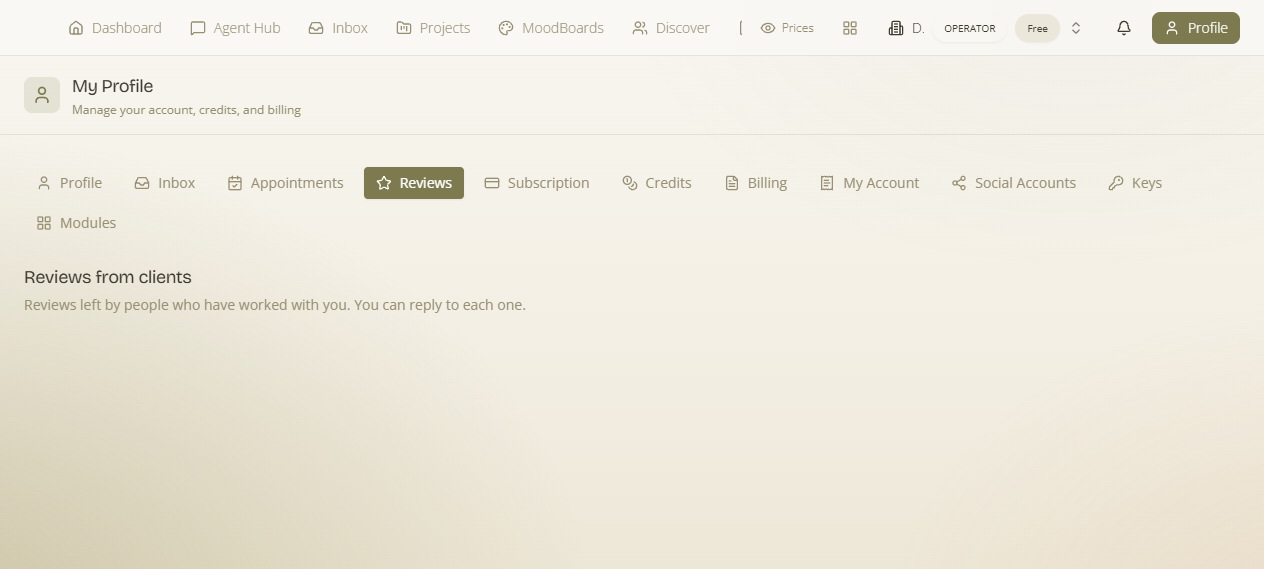
What it is — reviews left by people who have worked with you. You can reply to each one. Why it matters — they are visible on your profile as your reputation.
How to reply to a review
- Open the Reviews tab to see feedback others have left.
- Find the review you want to respond to.
- Use the reply action to post your response — it appears alongside the review on your profile.
What it affects: your replies are part of your public reputation.
Related: the profile Inbox tab holds your personal messages and conversations in one place.