Operations · Marketplace
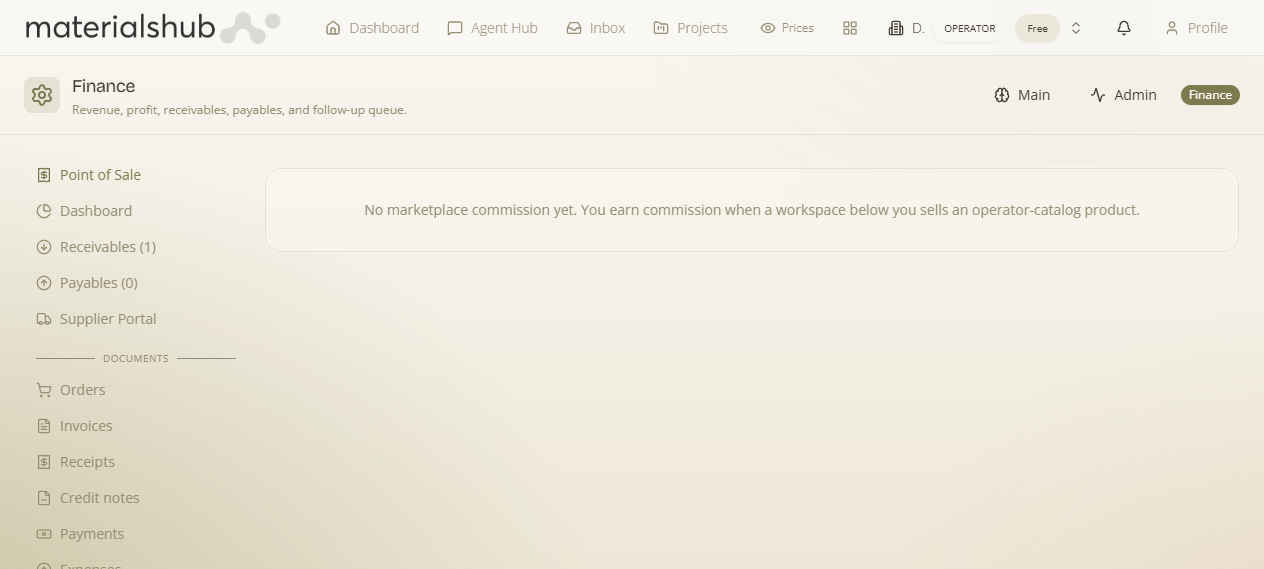
The Marketplace tab is the link between Finance and the platform's surplus / last-stock marketplace. If you move surplus or last-stock through the marketplace, that activity is part of your financial picture too — this tab surfaces it alongside your other figures instead of leaving it siloed.
Where it is
Top navigation → Finance → Marketplace tab.
What's on the screen
Your surplus / last-stock marketplace activity, tied into your financial view:
- Marketplace activity — the surplus / last-stock activity you run through the marketplace, shown here inside Finance rather than only on the Discover side.
How to use it — step by step
- Open Finance → Marketplace to see your surplus / last-stock marketplace activity tied into your financial view.
Worked example — keeping surplus sales in the financial picture. If you list last-stock items on the surplus marketplace over on Discover, open Finance → Marketplace to see that same activity surfaced next to your other figures — so the money side of surplus stays connected to the rest of your finances instead of living only on the Discover page.
What it affects elsewhere
It ties marketplace activity into Finance, so the two stay connected rather than tracked separately.