Receivables & Payables · Follow-ups
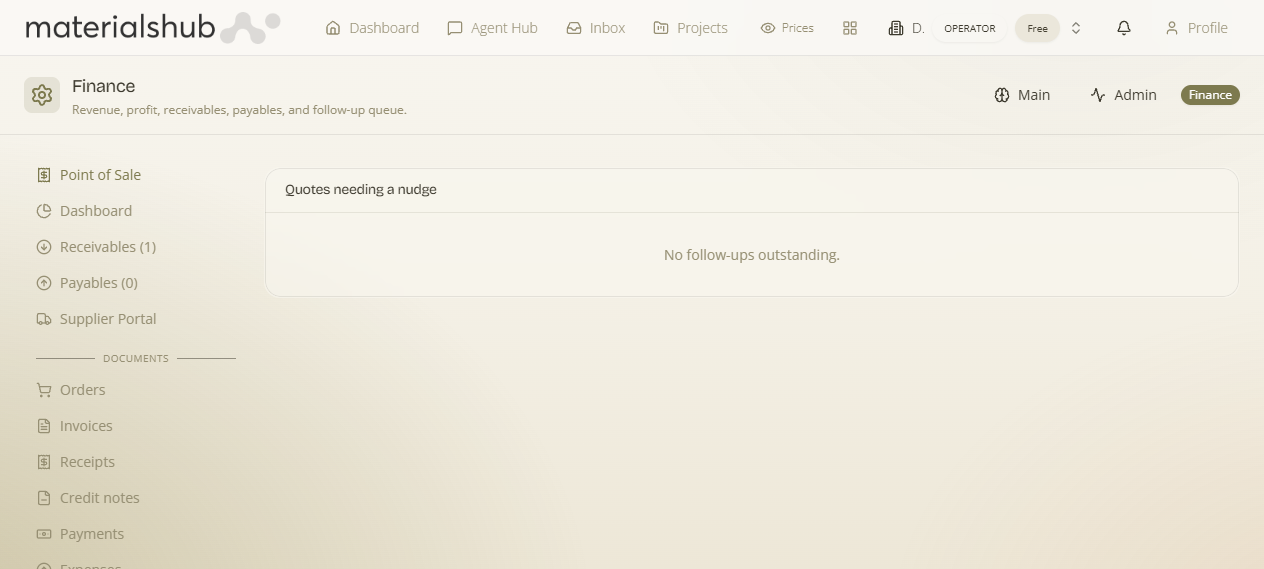
Follow-ups is your action queue of quotes that need chasing — the quotes that haven't yet converted into accepted business. A quote sitting idle is potential revenue going cold; this tab is how you keep cash flow healthy before anything becomes a receivable. The tab shows a count so you always know how much is outstanding.
Where it is
Top navigation → Finance → the Follow-ups tab (one of the five Receivables & Payables tabs: Receivables, Payables, Follow-ups, Payments and Cheques).
What's on the screen
A list of quotes that need attention, each row showing the quote, its current status, its value, how long it's been idle, and when the next follow-up is due. An Open filter lets you show just the quotes that still need work.
How to work the queue — step by step
- Go to Finance → Follow-ups and use the Open filter to show the quotes that still need attention.
- Sort your attention by Days idle — the longer since the last activity, the more urgent the nudge.
- Check Next scheduled to see when the follow-up is due, and act on the quote (call, re-send, revise).
How to read each row
| Column | Description |
|---|---|
| Quote | The quote needing follow-up. |
| Status | Current quote status. |
| Value | Quote value. |
| Days idle | Days since the last activity. |
| Next scheduled | Next scheduled follow-up. |
Worked example — clearing the stale end of the queue. Open Follow-ups → apply the Open filter → look down the Days idle column and start with the highest number, since those quotes have gone coldest. Read each one's Status and Value to judge whether it's worth a call or a re-send, check Next scheduled for when it's due, and act. Once the customer accepts and you Issue invoice on the quote page, that quote drops out of this queue.
What it affects elsewhere
Once a quote is accepted and you Issue invoice on the quote page, it leaves this queue and becomes a row in Receivables. Follow-ups is the stage before the receivables ledger — keeping it worked is what feeds healthy, settle-able receivables that ultimately roll up into the Dashboard totals.