Discover · Products
The Products tab is a single list of all materials and products published across the platform, rather than searching workspace by workspace. It's the fast way to see what's available before you commit to a specific manufacturer or listing — a flat catalogue you can scan, filter and page through.
Where it is
Top navigation → Discover → the Products tab. Products is one of the four tabs in Discover (Profiles, Factory, Products, Marketplace), and they all share the one search box at the top — so you can switch between them without retyping what you're looking for.
What's on the screen
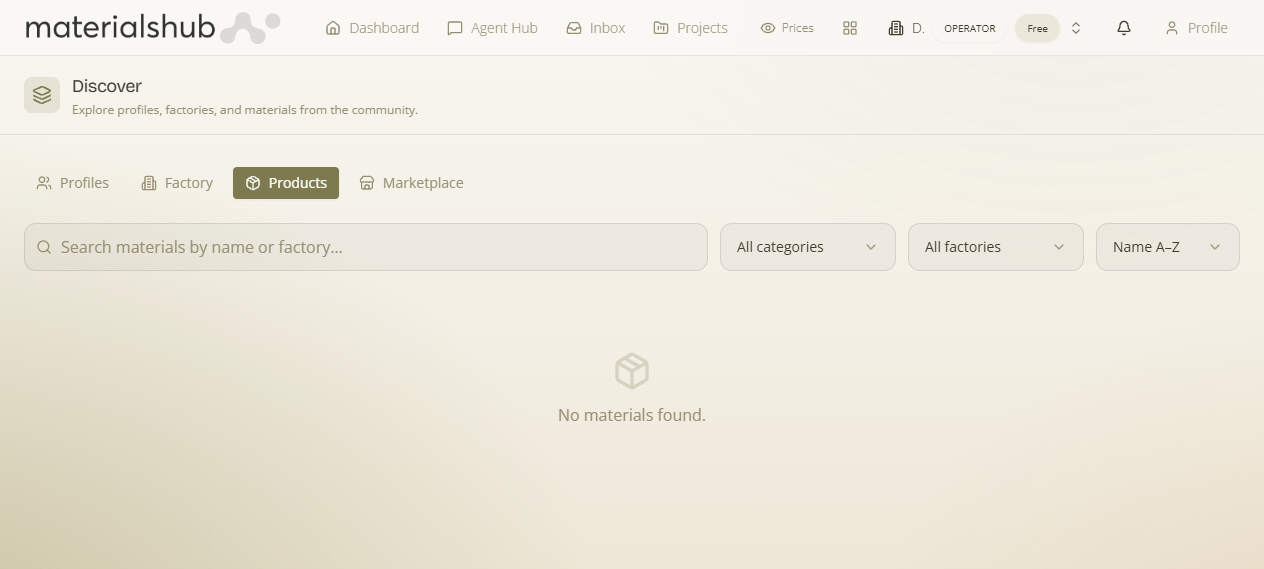
Products gives you the wider catalogue — not just your own workspace's items — as a flat list you can scan, filter, switch views on and page through. The controls on the tab:
- All categories — a category filter to restrict the list to a single material category, or leave it on All categories to browse everything.
- View toggle — switch between a grid view (visual cards) and a list view (compact rows), whichever suits how you're scanning the catalogue.
- Pagination — results are paged (1, 2, 3 …); step through the pages to work down a large catalogue.
- Search — a search box (“Search materials by name or factory…”) that matches on the product name or the factory that makes it.
How to use it — step by step
- Open Discover from the top navigation and select the Products tab.
- Use the All categories filter to restrict the list to a single material category, or leave it on All categories to browse everything.
- Choose how you scan with the View toggle — a grid of visual cards, or a compact list of rows.
- Type into the Search box (“Search materials by name or factory…”) to match on the product name or the factory that makes it.
- Step through the results with the Pagination controls (1, 2, 3 …) to work down a large catalogue.
Worked example — scanning what's available. Open Discover → Products → set All categories to the material category you're after → flip the View toggle to grid for a visual scan → type a product name or factory into “Search materials by name or factory…” → page through the results, then act on a product you like — add it to a comparison, a moodboard or a quote.
What it affects elsewhere
Products you find here are the same items you specify on quotes and documents in Finance and search conversationally in the Agent Hub — Discover is the browse surface, the others are where you act on what you found. For richer, conversational product search you can also use the Agent Hub.