Quotes & Requests
/quotes /quotes/:id /quotes/requests
Create, send and manage material quotes, and triage incoming requests from customers. The two tabs are detailed on their own pages below.
How to open it: top navigation → Quotes. Use the My Quotes and Requests tabs at the top.
The two areas
🧾
Build & send a quote
The full builder — catalog vs custom products, FF&E fields, Extras, Timeline, and sending/acceptance.
📥
Requests
Incoming customer quote requests and how to convert one into a quote.
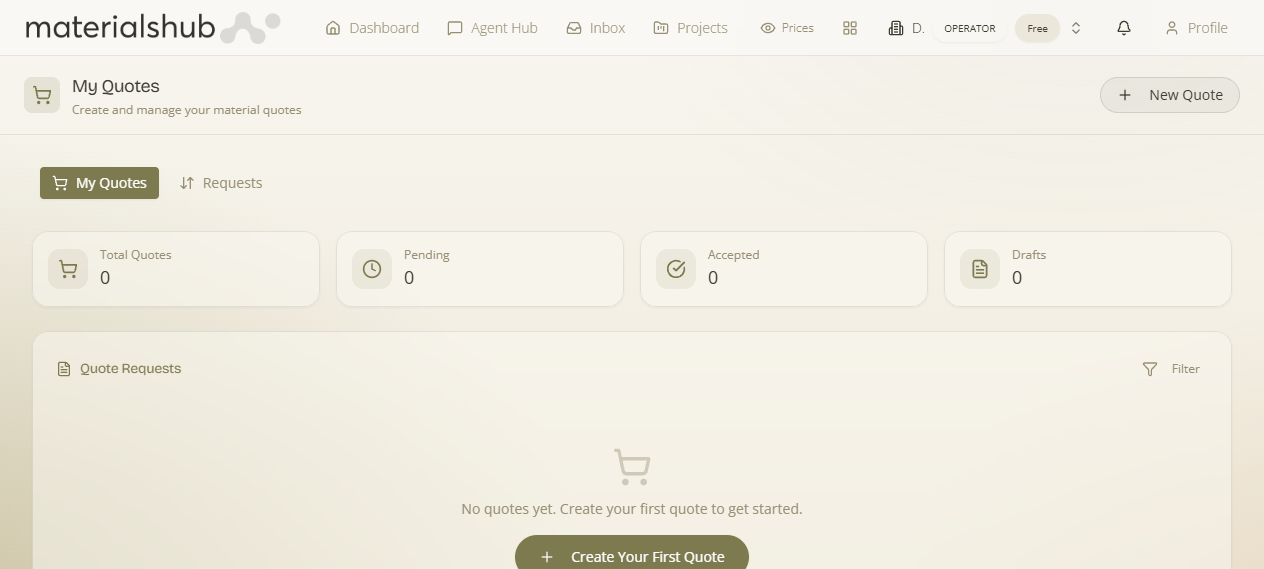
My Quotes at a glance
The default My Quotes tab lists every quote you've created, with a KPI strip across the top — Total Quotes, Pending, Accepted and Drafts. Use New Quote to start one (see Build & send) and Filter to narrow by status.