Docs — your team wiki Free app
The Docs app is a lightweight internal wiki for your workspace — “internal team documentation, searchable by the KAI agent.” Write your processes, policies and how-tos in Markdown, tag them, and they become knowledge your team (and the assistant) can pull up on demand. It's built for controlled editing: the doc's owner keeps it clean, while anyone on the team can propose a change for review — so the wiki stays accurate without being locked down. It's a free app on the module framework.
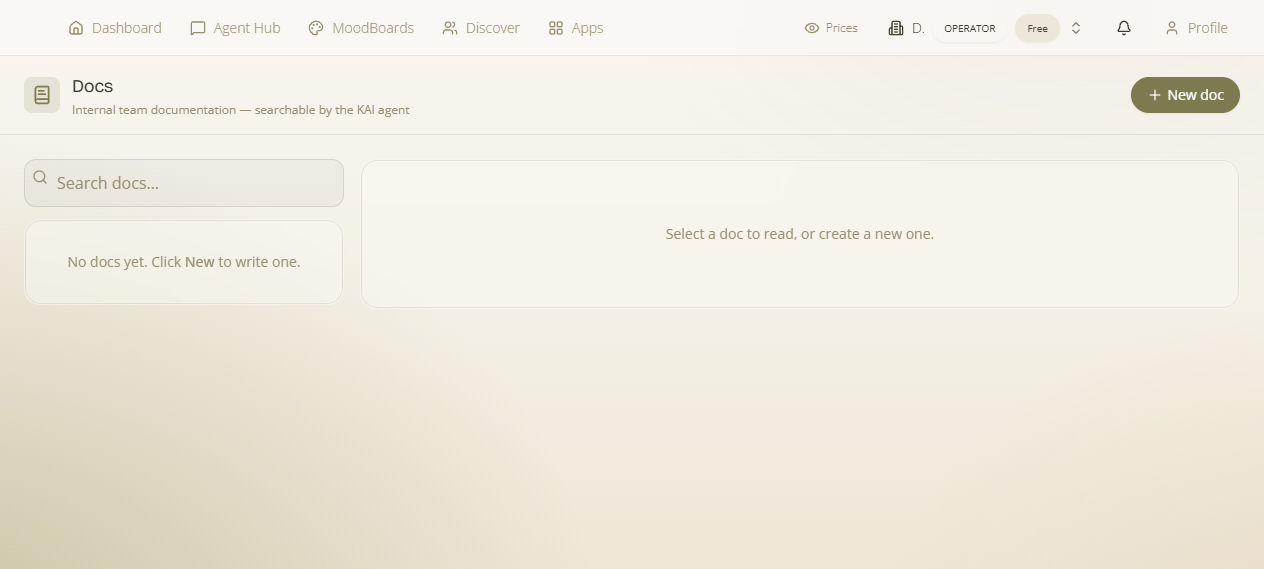
Where: enable Docs from the App Launcher (it's free), then open it at /docs. Docs are per workspace — “Select a workspace to view its docs.”
What it is & why it matters
What it is — a private, per-workspace set of Markdown documents. Why it matters — the things a team needs written down (onboarding steps, supplier quirks, pricing rules, standard replies) usually live in scattered notes; here they're in one searchable place, and — importantly — the assistant can search them, so asking “what's our return policy?” surfaces the doc. These are kept internal: they're deliberately not pushed into the public knowledge base or the vector store, so private team notes stay private.
Not the public Knowledge Base. This is your internal wiki. The customer-facing Knowledge Base is a separate, public help centre. Docs here never appear there.
Writing a doc
- On /docs, create a new document. (Empty state: “No docs yet.”)
- Give it a Document title, write the body in the inline WYSIWYG editor — a formatting toolbar (headings, bold, lists, links, etc.), so you get a live formatted preview as you type rather than raw Markdown; it still saves as Markdown underneath. Add tags (comma-separated) to group and find it.
- Set it Published when it's ready to be part of the team's reference.
- Use Search docs… to find any document by title, content or tag.
Who can edit — and proposing changes
What it is — a controlled-editing model. Why it matters — a wiki that anyone can overwrite drifts and gets untrustworthy; one only the owner can touch goes stale. Docs splits the difference:
- Direct edit — “Only the doc owner or workspace owner can edit directly.” The person who created a doc (or a workspace owner) changes it in place.
- Propose changes — anyone else on the team clicks Propose changes, edits the content, and adds an optional reason (“Why this change? (optional)”). This creates a suggestion rather than overwriting the doc.
- Review — the doc's creator (or a workspace owner) can View proposed content and accept or reject it. Accepting applies the change; rejecting leaves the doc as-is. Each suggestion carries its proposer and reason so the reviewer has context.
This is how a busy team keeps docs current: the person who spots the outdated line fixes it and proposes it; the owner accepts with one click — no edit war, no stale wiki.
The assistant can read your docs
Because Docs are searchable by the KAI assistant, they double as a knowledge source for your team's questions in chat. Write the answer once as a doc, and everyone — including the assistant — can find it, instead of the same question being asked repeatedly.