HR · Recruitment & careers owner / admin
Recruitment runs the whole hiring funnel from inside HR: you post jobs, they appear on a public careers page where candidates apply without an account, applications land in your candidate pipeline, and an AI screening step reads each CV and helps you rank fit — so you spend time on the right people. When you hire someone, they flow straight into onboarding and become an employee. This page covers each stage.
Where: the admin side is HR → Recruitment (owner/admin). The candidate side is a public careers page — no login — that you can share or link from your site.
Job postings
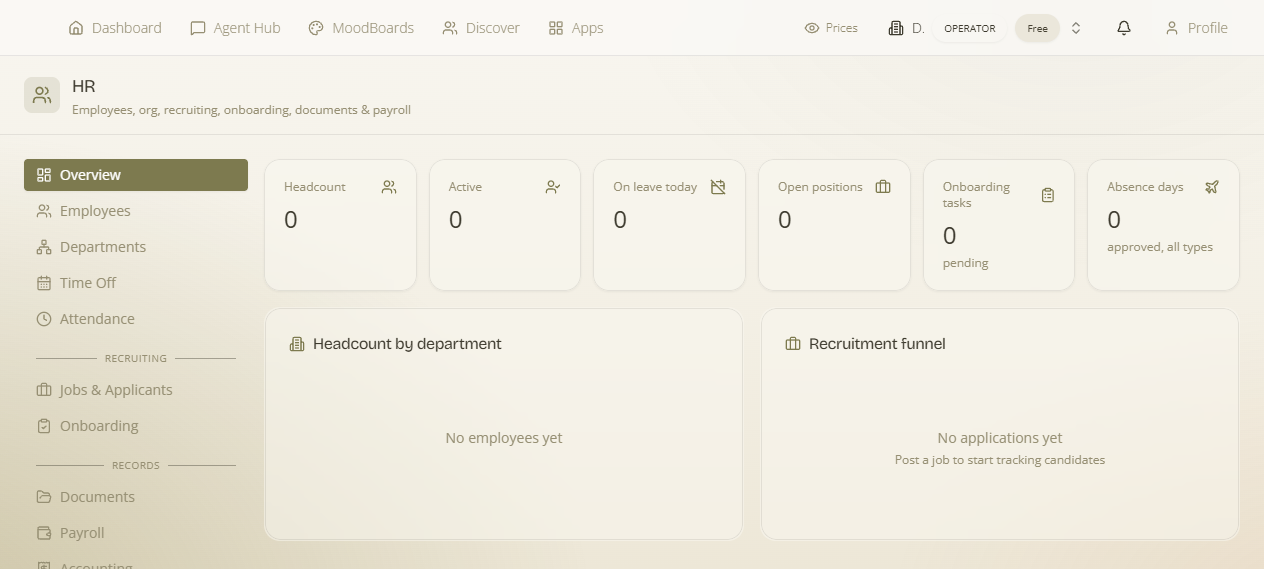
What it is — the open roles you're hiring for. Why it matters — a posting is both the advert candidates see and the bucket applications collect in. How — “Post a job to start tracking candidates.” Create a posting for a role; it becomes an open position and is published to the careers page. The Overview shows your count of open positions.
The public careers page & apply flow
What it is — a public, no-login page listing your open roles, with an apply form on each. Why it matters — candidates apply directly to you — no job-board middleman — and everything lands in your pipeline automatically. How it works for the candidate: they open the careers page, pick a role, fill in their details and upload a CV / résumé, and submit. That creates a candidate (name, email, phone, a headline, and the source) and an application against the posting. The CV is stored securely so you can screen it.
- Every role has its own shareable page. Each posting gets a public per-job URL you can send directly, post on LinkedIn, or link from your website — rather than only pointing people at the whole board.
- A full posting editor. Compose the role properly — title, department, location & remote, employment type and level, salary range/compensation, and the body copy (description and requirements) that candidates read.
- An open “hire me” enquiry. Interested people can also reach you speculatively, not only against a specific opening.
Publish your roles anywhere — the Jobs API
Your open roles are also available as a public, key-less feed — the Public Jobs API. Render them on your own marketing site, or let a job aggregator poll them (it's shaped like Greenhouse/Lever/Ashby, with an absolute_url per role and an updated_at for incremental polling). Nothing extra to configure: publish a role here and it appears in the feed.
The candidate pipeline
Every application is tracked as it moves through your process. A candidate record carries their contact details, a headline, where they came from (source), and their uploaded CV; an application links a candidate to a posting with its stage. (Empty state: “No applications yet.”) You work applications from HR → Recruitment, moving each forward or setting it aside.
AI CV screening
What it is — an AI step that reads each candidate's CV and assesses it against the role, so you get a fast, consistent first read instead of eyeballing every PDF. Why it matters — it surfaces the strongest applications quickly and gives you a starting rank, while you keep the final judgement. How — run screening on an application; the AI parses the CV and returns its assessment for you to review alongside the candidate.
Credit-metered: AI CV screening is an AI operation, so it consumes workspace credits (logged per screen). You only spend on the candidates you actually screen.
Automate it: recruitment events can drive Flows — for example, notify the hiring manager when a new application arrives — so nothing sits unseen.
From candidate to employee — onboarding
When you decide to hire, the candidate becomes an employee and picks up an onboarding checklist — the onboarding tasks that get a new starter set up. The new employee sees their onboarding to-dos in the self-service portal, and you track completion from HR. This closes the loop: a public application becomes a tracked candidate, a screened shortlist, a hire, and an onboarded employee — all in one place.
Flow of a hire: post a job → it lists on the careers page → candidates apply (CV upload) → AI screens the CVs → you shortlist and interview → hire → the new employee onboards via their portal.